How it works
A box in the venue, a server in the cloud, a phone in hand
Three parts, one record. The box in your venue runs the service, the cloud keeps its copy, and phones and tablets connect to both.
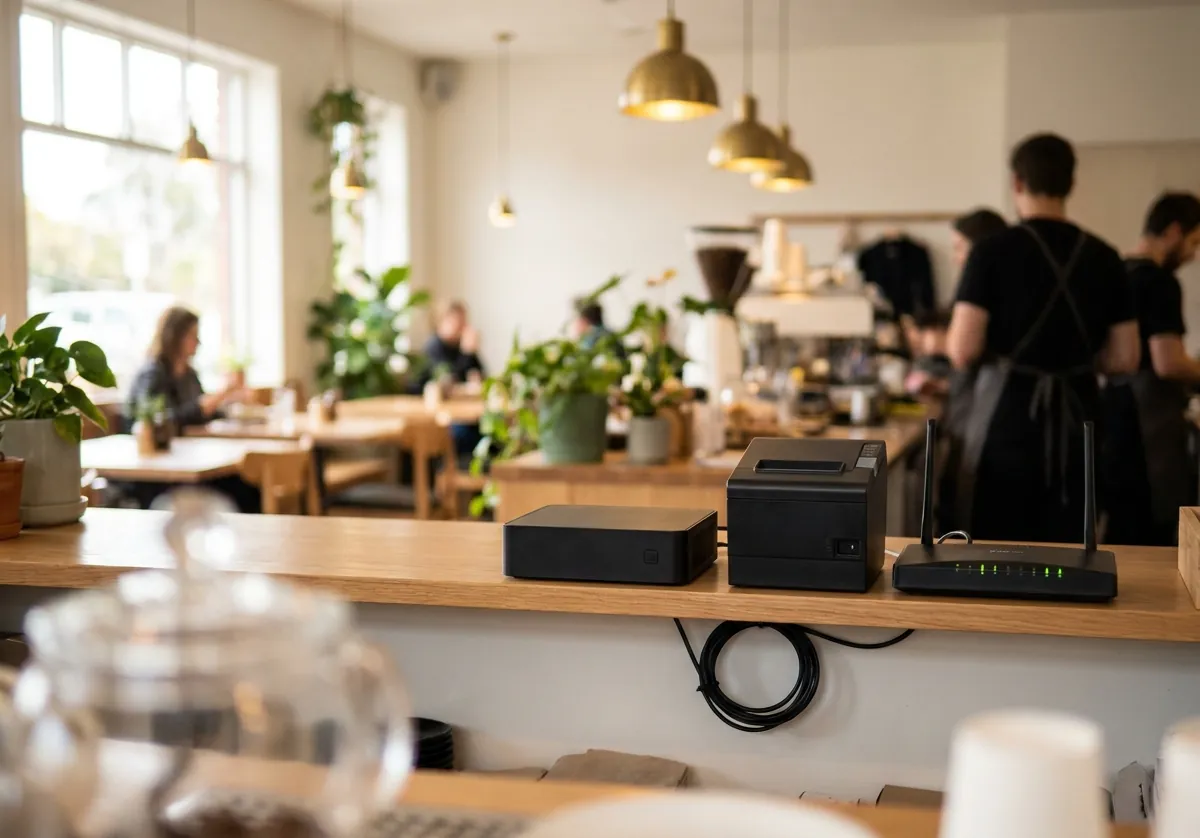
The box
A small program on a computer in your venue. It serves the screens over the venue's network and works the printers and POS devices. Service carries on when the internet drops.
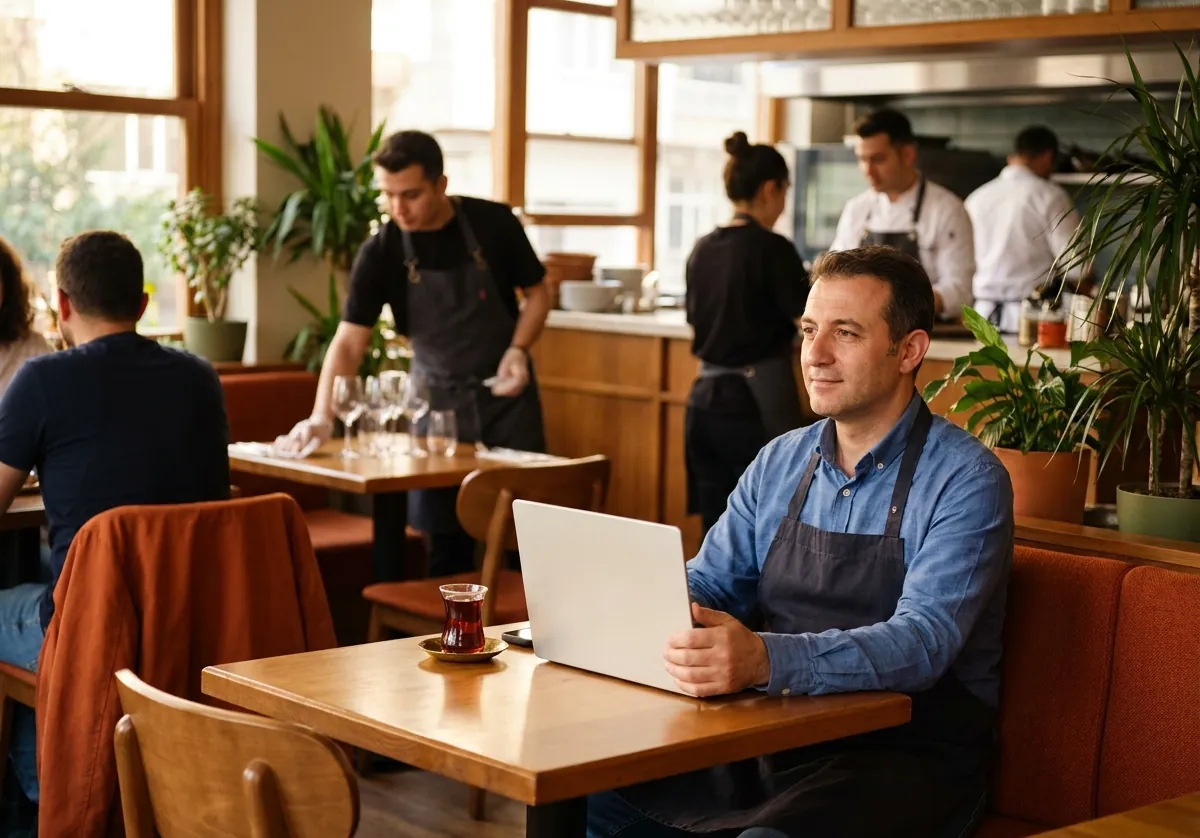
The cloud
The box's copy. When you're away, the screens and reports open from there. Each venue has its own database, and no venue can read another's.
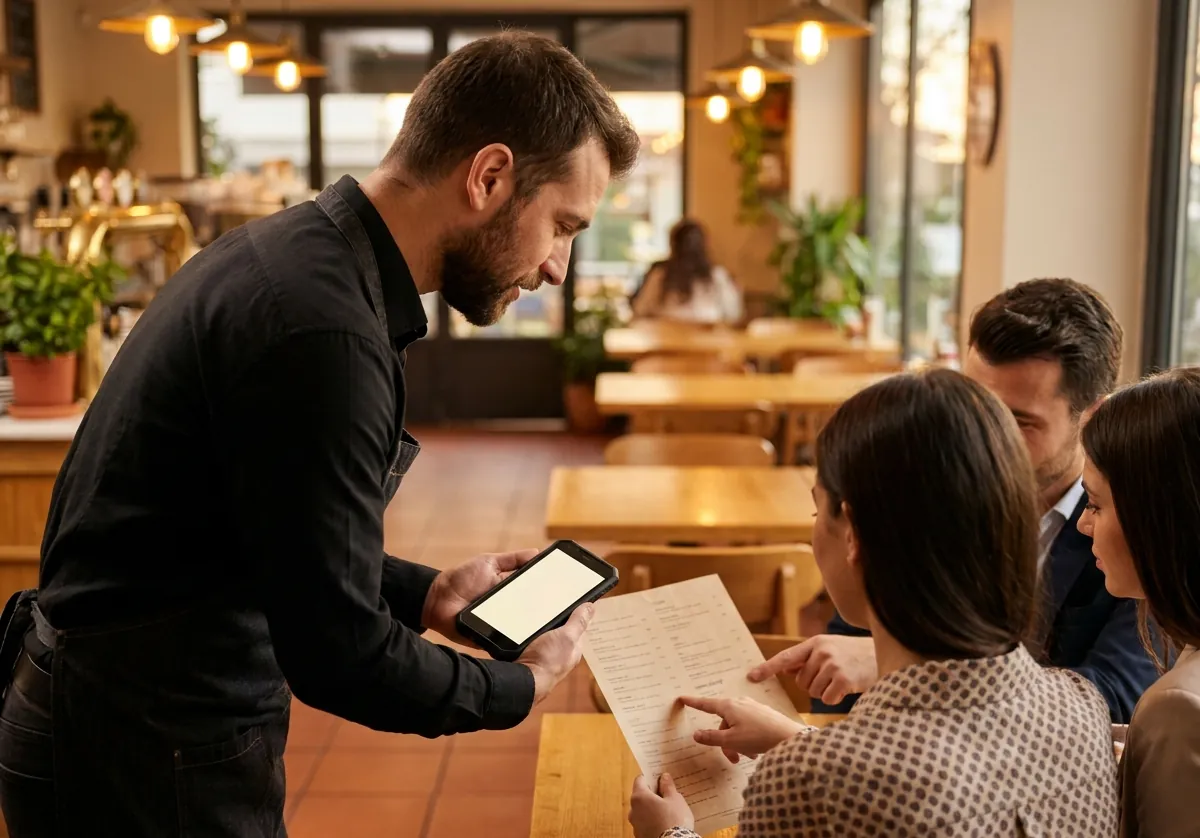
Phone and tablet
The Sipariş PRO Venue app and the browser. Whoever logs in gets their own screen.


Nothing is lost, nothing is written twice.
Every change is a record that's never deleted. When the connection comes back, the box and the cloud fill in what the other lacks. Today's state can always be rebuilt from those records.
Security and KVKK
Sensitive data in the venue
Data covered by KVKK, such as staff files, stays on the box only.
Roles and permissions
The server checks every action against the role's permissions. Hiding a button isn't security.
Each box has its own key
Every box has its own key. A stolen box is cut off with one tap.
Encrypted connections
Where your network allows, the screens open over HTTPS inside the venue too, with a real certificate.
Change history
Who changed what, and when, all recorded. A correction is a new record too.
Passwords
Passwords are stored only as salted hashes, and never shown anywhere.
Signed updates
The box installs only signed versions, and goes back to the old one if a new one won't start.
No power in a QR code
A table's code only opens the menu. Nothing that reaches accounts, staff or settings goes into a QR code.
Set up the way your venue works
The owner and manager set the venue up in the management console.
- Table names and floor sections
- Stations and printers
- Roles, permissions and discount limits
- Bill design
- The screens' theme
- The guest menu's languages

Let's see how it would work in your venue
Fill in the form and we'll call you. We do the setup, and nothing changes in your service on the first day.
Fill in the demo form